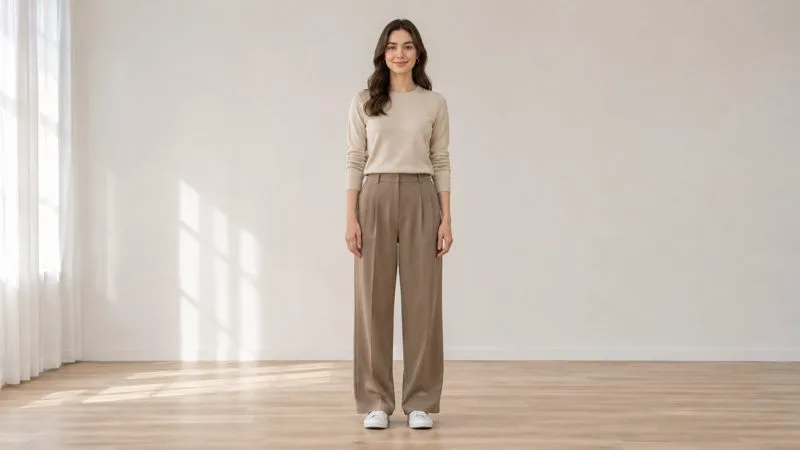
How to Prepare a Veo Image-to-Video Photo Without Clipping the Subject
Prepare a Veo source photo in five steps: match the video frame, add safe space, preview the crop, and export a sharp image with the subject intact.
Prepare a Veo source photo in five steps: match the video frame, add safe space, preview the crop, and export a sharp image with the subject intact.
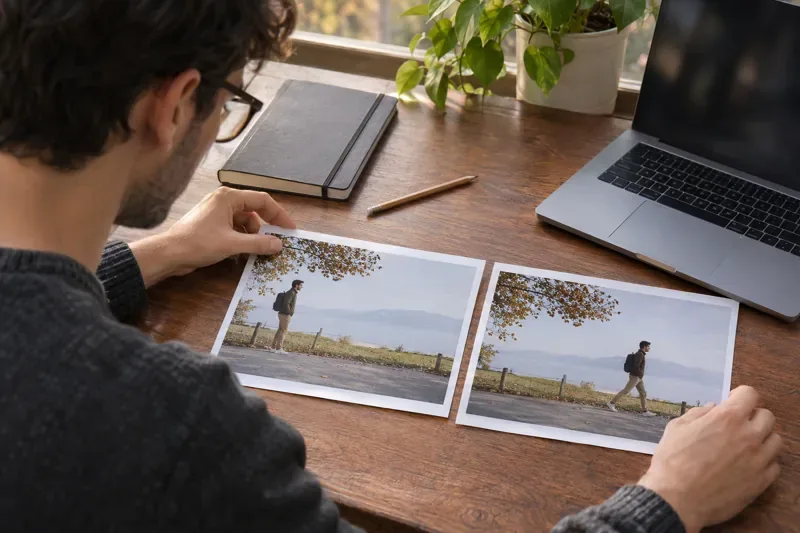
Fix a jump between Runway’s first and last frames with five checks for keyframe mode, matching images, prompt motion, and model limits.
Organize AI video reference images in 7 steps to keep subjects, framing, and visual details consistent across shots.
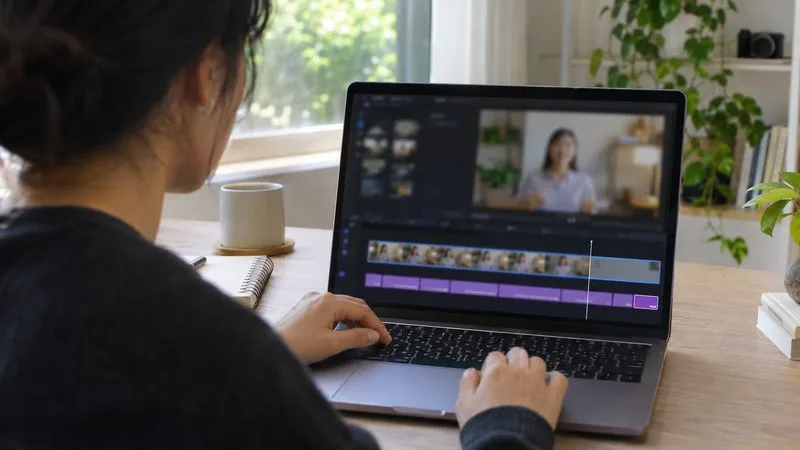
Realign captions after extending an AI video in 6 steps. Find the edit point, shift only affected cues, caption new speech, and verify the export.

Plan a 15-second Halloween video with a four-shot AI storyboard, practical prompts, and checks that keep fictional footage from looking like a real event.
Discover innovative AI video generators that transform ideas into captivating videos. Our tutorials and guides help you optimize AI agents for efficient video production, boosting productivity in professional workflows.