Home
» AI Writer
»
DevDay 2026 Note-Taking Template: Turn Announcements Into a Verified Team Brief
DevDay 2026 Note-Taking Template: Turn Announcements Into a Verified Team Brief
OpenAI DevDay 2026 is scheduled for Tuesday, September 29, at Fort Mason in San Francisco. As of September 28, OpenAI’s event page says in-person applications are closed, the opening keynote is set for 10:00 a.m. Pacific Time and will be livestreamed, and other sessions will be recorded for publication after the event. For teams following remotely or in person, that means one useful distinction: capture what a speaker says in the moment, then complete the brief only after checking the official replay and documentation.
This note-taking template turns announcements into a short, reviewable team brief. It keeps four things separate: the raw observation, the verified source, the team’s interpretation, and any decision or follow-up. That separation helps prevent a demo, roadmap comment, or headline from being repeated internally as a generally available feature.
At a glance: the four-pass workflow
Pass
Purpose
Output
Capture
Record exact details while watching or attending.
A timestamped raw note.
Verify
Find the official source and check its wording.
A source-linked claim with a status.
Qualify
Record availability, limits, and what remains unknown.
A bounded statement, not a guess.
Brief
Explain relevance and assign next steps.
A concise update with owners and dates.
1. Capture the announcement without polishing it
During a keynote or breakout, speed matters more than elegant prose. Write down the timestamp, session name, speaker if known, and the smallest factual claim you can preserve. If a slide shows a model name, endpoint, launch date, price, or limit, copy it exactly. Put quotation marks around an exact phrase; otherwise label the note as a paraphrase. Add a question mark when you did not hear or see a detail clearly.
Do not combine the speaker’s statement with your own reaction. “New API announced” and “this could simplify our retrieval service” are different kinds of notes. Keep the first as a candidate product claim and the second as a team hypothesis. This takes a few extra seconds during the event but saves time when someone later asks which part was actually said.
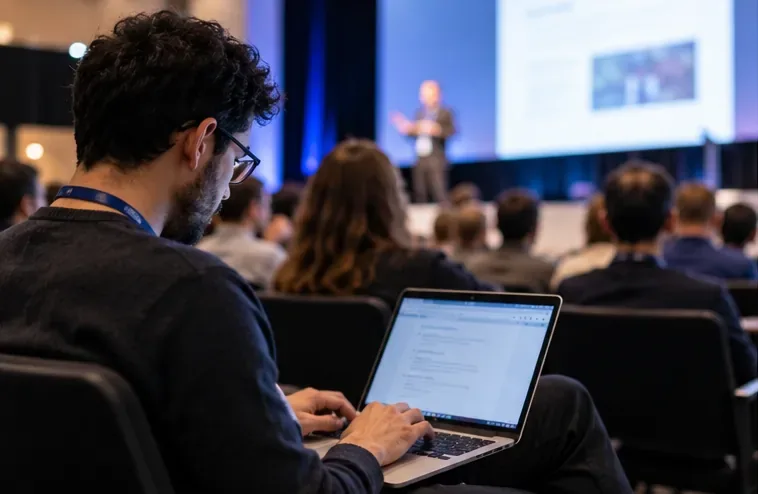
A developer types notes during a technical session as a speaker presents.
2. Verify each claim against a primary source
After the session, open the official event recording, announcement, product documentation, API reference, pricing page, or changelog that is relevant to the claim. Use the session timestamp to locate the moment, then record the source URL and the date you checked it. A presentation slide can establish what was announced; it may not establish who can use it today, what it costs, or which regions and account types are eligible.
Prefer the source closest to the claim. For API behavior, inspect the API reference or relevant guide. For model availability, check the current model documentation and supported regions. For pricing, limits, or deprecation, use the current official pricing, rate-limit, or deprecation page. If a source does not answer a question, mark it “not confirmed” instead of treating silence as confirmation. Do not rely on a social post, recap, or a colleague’s paraphrase when the underlying source is available.
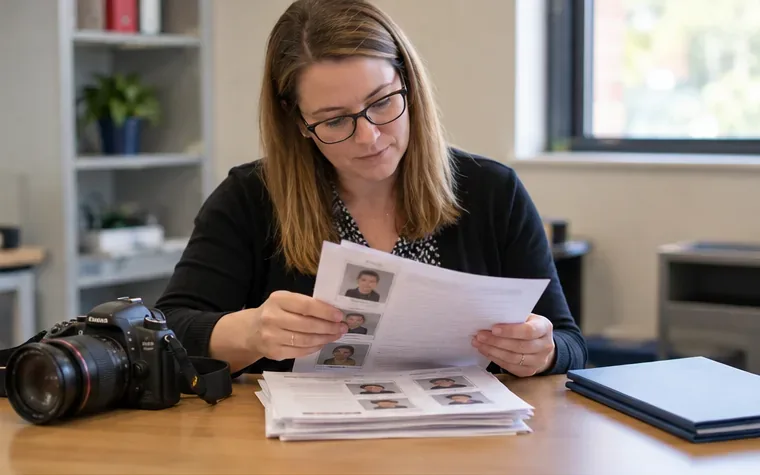
A developer checks handwritten session notes against technical documentation on a laptop.
3. Qualify what “new” means
An announcement can describe a research preview, limited rollout, beta, general availability, a future release, or a change that applies only to a certain plan or region. Those conditions affect whether a team can act. Record the exact maturity label used by OpenAI and the date it applies. If the announcement does not say when access starts or which accounts qualify, make that an open question.
Check the operational details that can change the value of a feature: model or endpoint identifier, supported input and output, context or rate limits, pricing unit, latency or reliability statements, safety requirements, data handling, supported regions, and migration or deprecation dates. Do not infer production readiness from a polished demo. A prototype shown onstage is evidence that a demonstration occurred; it is not, by itself, evidence of public availability, service-level commitments, or compatibility with your application.
Use a status label for every line in the brief. A simple set works well:
Verified: an official source directly confirms the wording and relevant conditions.
Partially verified: the source confirms part of the claim, but a material detail is missing.
Unconfirmed: no suitable primary source has been found yet.
Team interpretation: a reasoned implication for your own system, clearly identified as your analysis.
Decision: an action approved by your team, with a named owner and due date.
Teammates review a claim worksheet together before marking what is verified and what remains open.
4. Turn verified notes into a team brief
Keep the brief short enough to scan, but preserve enough evidence for a reviewer to reproduce the check. Lead with the implication for your team, then include the source-backed statement, the access or rollout conditions, and the follow-up. Assign one owner to each action. “The team should investigate” is not an action until someone is responsible and a date is agreed.
For example, if an announcement introduces a tool that appears relevant to an internal support workflow, the brief should not jump straight to “we can ship this.” It should say what OpenAI confirmed, what the docs specify about access and behavior, what your current system would need to change, what has not yet been tested, and who will run that evaluation. If no change is required now, record that as the decision and say when the team will revisit it.
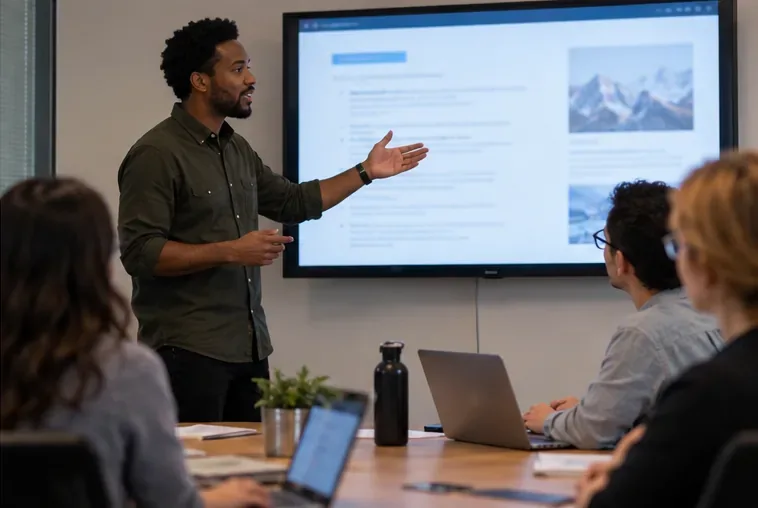
An engineer presents a concise team brief to colleagues in a meeting room.
Copy-and-use DevDay note template
Event: OpenAI DevDay 2026
Session or source:
Date and time checked (include time zone):
Note owner:

RAW OBSERVATION
Timestamp:
Exact wording or clearly labeled paraphrase:
What was shown or demonstrated:

CLAIM TO VERIFY
Product, model, API, or feature:
Claim in one sentence:
Official source URL:
Source type: event page / recording / docs / API reference / pricing / changelog
Source date or version:
Status: verified / partially verified / unconfirmed

CONDITIONS AND LIMITS
Availability: preview / beta / generally available / future / not stated
Eligible plans, regions, or accounts:
Limits, pricing, dependencies, or migration notes:
What the source does not confirm:

TEAM IMPACT
Affected workflow or system:
Potential benefit (team interpretation):
Risks, dependencies, or evaluation needed:
Decision: act / test / monitor / no change
Action owner and due date:
Next source to check and review date:
Review checklist before sharing
Does every product claim link to an official OpenAI page or recording?
Are quotes exact, and are paraphrases labeled?
Did you separate an onstage demonstration from access that your team can actually use?
Are availability, plan, region, pricing, and limits either sourced or marked unknown?
Are facts separated from team interpretation and decisions?
Can a teammate reproduce the check from the timestamp, source URL, and version date?
Does each action have an owner and a due date?
Keep the brief current after DevDay
Announcements can be followed by documentation updates, revised rollout details, or release notes. Treat the brief as a dated snapshot, not a permanent specification. Recheck high-impact claims before a design review, estimate, security assessment, or production change. Update the source date and status when official documentation changes; preserve the earlier note if it explains why the team made a decision at the time.
The event page is authoritative for event logistics, not every technical detail in a talk. OpenAI’s API documentation and changelog are better places to verify API behavior and release changes. If the recording and docs appear to differ, quote both sources, note when each was published, and leave the claim unresolved until an official source clarifies it.