Artificial intelligence continues to reshape content creation. The Grok Video Generator by xAI offers a powerful way to transform text prompts into short, high-quality videos. This guide focuses specifically on how to use it effectively, what the current limits are, and the realistic video lengths you can expect.
🤖 What is Grok Video Generator?
Grok Video Generator is xAI's text-to-video tool integrated into the Grok AI platform. It allows users to generate short video clips from natural language descriptions. Built on advanced multimodal models, it focuses on realistic motion, coherent scenes, and creative interpretation of prompts.
Unlike traditional video editing software, Grok Video Generator automates the entire creation process. This makes it particularly valuable for marketers, content creators, educators, and businesses looking to produce quick visual assets without expensive production teams.
The tool excels at creating dynamic clips suitable for social media, product demonstrations, explainer content, and storytelling. Results vary based on prompt quality, but current capabilities produce surprisingly coherent short-form videos.

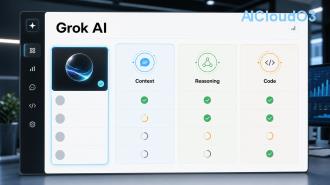
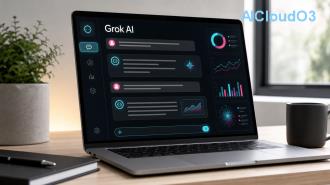
Grok Video Generator interface with prompt examples and generation controls
🔑 How to Access Grok Video Generator
Access to video generation is currently available to users with active Grok subscriptions on the X platform. The feature is part of the premium experience and requires sufficient usage credits. Always check the latest availability directly in your Grok account, as features and access levels are updated regularly.
Once logged in, the video generation option appears in the Grok chat interface. Users simply describe the video they want, and the system processes the request according to current model capabilities and account limits.
📝 Step-by-Step: How to Make Videos with Grok
Follow this practical workflow to generate videos efficiently:
- Log into Grok through your X account with an active subscription that includes video generation.
- Start a new conversation and clearly state your intention: “Generate a video of...”
- Craft a detailed prompt. Include subject, action, camera movement, lighting, style, and mood. Specificity improves results significantly.
- Add technical parameters when supported, such as aspect ratio (16:9, 9:16, 1:1) or style references (cinematic, animated, realistic).
- Submit and wait. Generation time varies from 30 seconds to several minutes depending on complexity and current system load.
- Review and iterate. If the first result isn’t perfect, refine your prompt and generate again.
- Download or share the final clip directly from the interface.
Pro Example Prompt:
“A young female entrepreneur presenting a business plan on a digital screen in a modern sunny office, smooth camera pan from left to right, cinematic lighting, confident expression, 9:16 vertical format, realistic style”
Practical Applications for AI Users
Content creators use Grok Video Generator for Instagram Reels, YouTube Shorts, and LinkedIn updates. Marketers create quick product teasers. Educators produce short explanatory animations. The tool supports AI productivity by reducing video production time from hours to minutes.
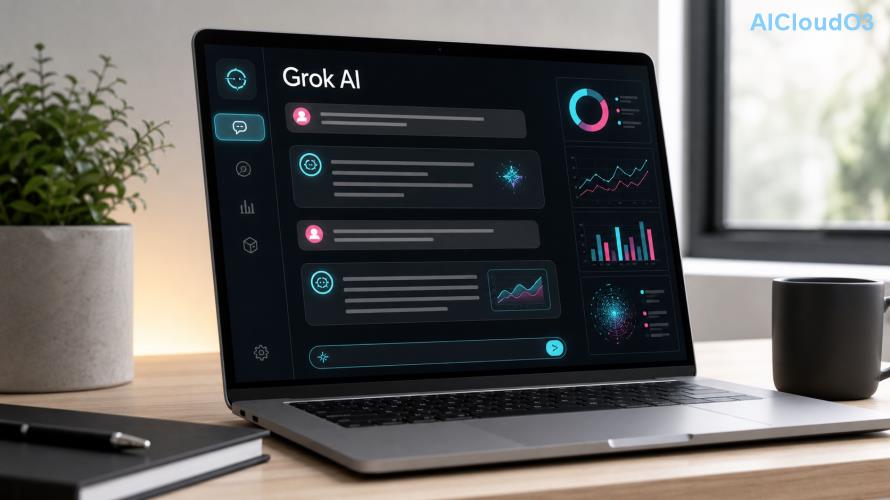
Sample video frame sequence generated by Grok Video Generator
📊 Current Limits and Video Lengths
Understanding the current boundaries helps set realistic expectations. Like most AI video tools, Grok Video Generator has technical and usage constraints that are updated periodically. Always verify the latest information directly in your account.
| Feature |
Current Limit (Approximate) |
Notes |
| Maximum Video Length |
8–10 seconds |
Best results typically achieved with 5–8 second clips |
| Daily Generation Limit |
10–50 videos |
Depends on subscription tier and current demand |
| Resolution |
Up to 720p (1280x720) |
Higher resolutions may be available in future updates |
| Aspect Ratios |
16:9, 9:16, 1:1 |
Vertical format performs especially well for social media |
| Generation Time |
30 seconds – 4 minutes |
Complex scenes take longer to process |
| File Format |
MP4 |
Standard web-compatible format |
The 8–10 second limit makes Grok Video Generator ideal for short-form content rather than long narratives. Many users create multiple short clips and combine them in external editors for longer videos. This modular approach often yields better consistency than attempting one long generation.
Understanding Quality vs Length Trade-offs
Shorter videos (under 6 seconds) generally deliver higher motion quality and fewer artifacts. Longer clips near the current maximum may show reduced coherence in complex scenes. Testing different lengths with the same subject is recommended.
💡 Best Practices and Pro Tips
✅ Prompt Engineering Checklist
- Describe the subject in detail (appearance, clothing, emotion)
- Specify camera movement (pan, zoom, static, tracking shot)
- Define lighting and time of day
- Include artistic style references (cinematic, documentary, vibrant)
- Mention pacing and mood
- State desired aspect ratio clearly
- Avoid overly complex actions in single clips
Cost-Saving Strategies
To maximize your subscription value, prepare multiple prompt variations before generating. Start with shorter test clips to refine your prompt before creating final versions. This approach reduces wasted generations and helps stay within daily limits.
Focus on high-impact use cases where short, engaging clips provide the most value — such as social media hooks, email marketing assets, or presentation visuals.
Common Mistakes to Avoid
- Using vague prompts like “make a cool video”
- Expecting Hollywood-level consistency in every generation
- Ignoring aspect ratio requirements for your target platform
- Creating too many variations without learning from previous outputs
❓ Frequently Asked Questions
What is the current maximum video length with Grok Video Generator?
The current maximum supported length is approximately 8–10 seconds per video. Best quality is typically achieved with clips between 5–8 seconds. These limits are subject to official updates from xAI.
How many videos can I generate per day?
Daily limits vary based on your subscription tier and overall system demand. Most users can generate between 10 to 50 clips per day. Check your account dashboard for current remaining credits.
Can I create videos longer than 10 seconds?
Direct generation beyond the current limit is not supported. The recommended workflow is to create multiple shorter clips with consistent style and combine them using external video editing tools.
Is Grok Video Generator free to use?
Video generation requires an active paid subscription to Grok. Free accounts have very limited or no access to the video feature. Always confirm current pricing and access directly on the platform.
What types of content work best with Grok’s video tool?
Short-form social media content, product demonstrations, educational explainers, nature scenes, abstract animations, and simple storytelling perform best within the current technical constraints.
How can I improve the quality of generated videos?
Use highly descriptive prompts, specify camera movements, lighting, and style. Generate several variations and choose the best. Consistent subject descriptions across iterations help maintain character consistency.
Final Thoughts
Grok Video Generator represents an exciting step forward in AI-powered content creation. While current limits keep output focused on short, impactful clips, the speed and creative possibilities make it a valuable addition to any content creator’s toolkit.
Success depends on mastering prompt writing, understanding the current technical boundaries, and applying the tool to appropriate use cases. As the technology evolves, expect improvements in length, quality, and consistency.
Always review the latest official guidance directly in your Grok account, as features, limits, and capabilities continue to develop rapidly. Experiment responsibly, track what works for your specific needs, and integrate the tool into your broader AI productivity workflow.
Start Creating with Grok Video Generator Today
This guide is for informational purposes. Video generation limits and features are subject to change. Always verify current capabilities directly from the official Grok platform.