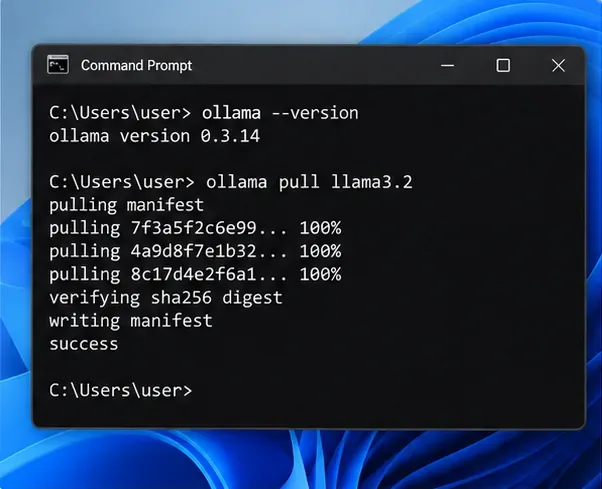
Local Ollamaを使用してSEOメタタイトルとメタディスクリプションを自動生成する方法
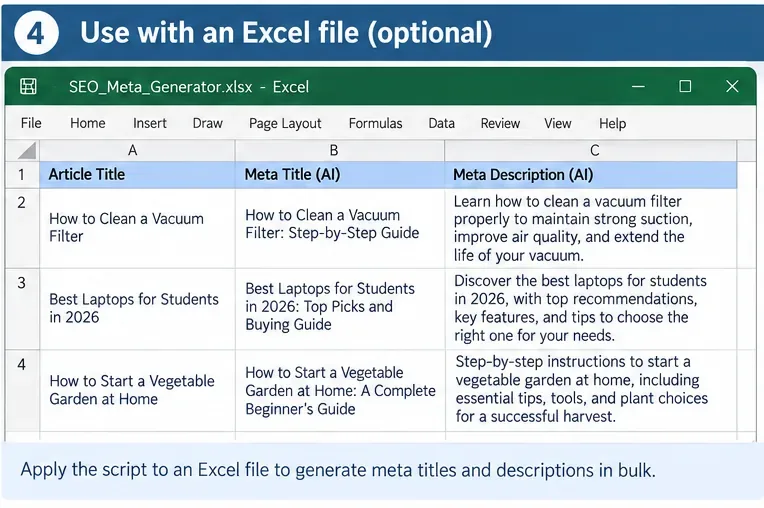
構造化されたSEOタイトルとメタディスクリプションを一括生成し、出力を検証し、人間によるレビューが必要な結果をフラグ付けする、ローカルなOllamaワークフローを構築します。
If you run a small service business, a “free” invoicing app should do more than let you type a total and email a PDF. A good result is a workflow that lets you create an accurate invoice quickly, gives the client an obvious way to pay, shows you what is still outstanding, and does not surprise you with limits or fees after you have moved your customer list into the system.
This guide compares free or no-required-monthly-fee invoicing options that are practical for US service businesses such as consultants, cleaners, designers, repair businesses, tutors, contractors, and small agencies. Pricing and limits below were checked against official US or vendor pricing pages on September 13, 2026. Payment-processing fees can change, so confirm the current rate before you commit to a platform.
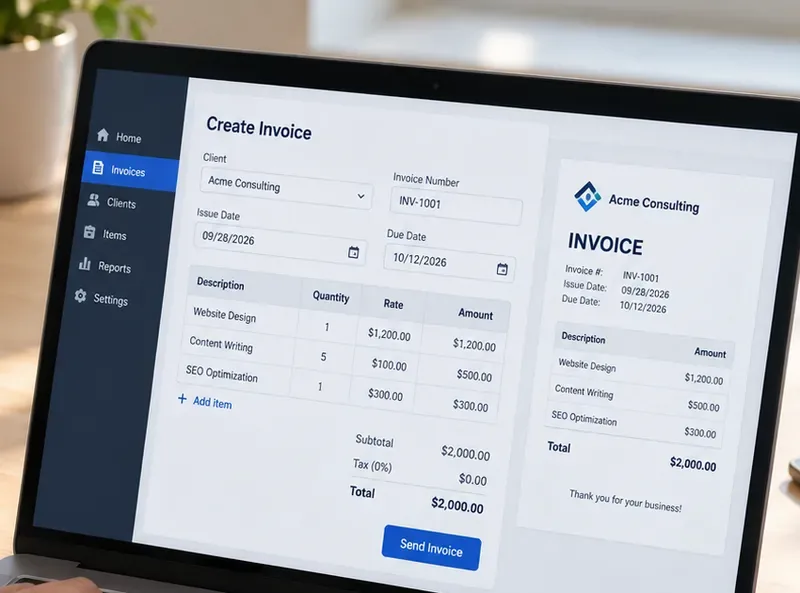
For this comparison, “free” means you can create and send invoices without a required monthly software subscription. That does not mean online payments are free. Card and ACH processing fees still apply on most platforms, and those fees can matter more than the subscription price once your invoice volume grows.
The right free plan should pass four practical tests:
A good sign after your first month is that you spend less time re-entering customer details, checking whether an invoice was paid, or recreating recurring bills. If you still need a separate spreadsheet to track status, manually copy every payment into accounting software, or repeatedly explain payment steps to clients, the free plan may not be saving enough work.
| App | Best fit | Key free-plan limit | Online payment cost to watch |
|---|---|---|---|
| Zoho Invoice | Best overall for feature depth | 500 invoices/year, 2 users, 3 projects | Depends on connected gateway; Zoho says it adds no extra fee |
| Wave Starter | Best for invoicing plus basic bookkeeping | Unlimited invoices and estimates | Cards start at 2.9% + $0.60; ACH 1% with $1 minimum |
| Square Free | Best if you also take in-person payments | Unlimited invoices, estimates, and recurring invoices | Online/invoice card payments 3.3% + $0.30; ACH 1% with $1 minimum |
| PayPal Invoicing | Best for client familiarity and easy payment choice | No fee to create or send standard invoices | Cards/Apple Pay 2.99% + $0.49; PayPal/Venmo 3.49% + $0.49; ACH 1% capped at $10 |
| Invoice Ninja Free | Best for a very small recurring client list | 5 clients, unlimited invoices | Depends on the payment gateway you connect |
Zoho Invoice is the strongest starting point for many small service businesses because the free product includes more than basic invoice creation. According to the official Zoho Invoice pricing page, the free plan supports automated payment reminders, recurring invoices, quotes, expense tracking, time tracking, a customer portal, reporting, and branded invoice customization.
The main tradeoff is capacity. Zoho currently states that the free plan supports up to two users, three projects, and 500 invoices per year. For a consultant sending 10 to 20 invoices a month, that can be generous. For a cleaning company, mobile repair service, or tutor sending dozens of small invoices each week, 500 invoices per year can become a real ceiling.
Online payments are flexible because Zoho Invoice can connect to multiple gateways. Its official integrations page lists options such as Zoho Payments, PayPal, Stripe, Square, Authorize.Net, and others. Zoho notes that the payment processor may charge transaction fees; Zoho itself does not add an extra processing fee for integrations such as Stripe or Square.
You bill by project or by time, want recurring invoices and reminders without paying a monthly subscription, and are unlikely to exceed 500 invoices in a year.
Your annual invoice count approaches the limit, you need more collaborators, or your workflow expands beyond three active projects. At that point, a broader accounting or business-management platform may reduce more administrative work than staying on a constrained free plan.
Wave is a strong option when you want invoicing and bookkeeping in the same place. The official Wave pricing page says the Starter plan is $0 and includes unlimited estimates, invoices, bills, and bookkeeping records. That removes the invoice-count anxiety you get with capped plans.
For US card payments on Starter, Wave lists 2.9% + $0.60 for Visa, Mastercard, and Discover transactions and 3.4% + $0.60 for American Express. ACH bank payments are 1% with a $1 minimum, according to Wave's official payments page.
固定料金の0.60ドルは、少額の請求書を多数送付する場合に重要になります。25ドルの請求書の場合、0.60ドルの固定料金は1,000ドルの請求書の場合よりも負担が大きくなります。だからといってWaveが悪い選択肢というわけではありませんが、パーセンテージだけを比較するのではなく、実際の支払コストを計算しておくべき理由の一つです。
もう一つの制約は自動化機能です。Waveの現在の料金表では、自動支払遅延リマインダーはStarterプランではなくProプランに含まれています。未払い請求書の督促が最大の悩みの種であれば、Zohoの無料リマインダー自動化機能は、年間請求書発行件数の上限があっても、より価値があるかもしれません。
1つのダッシュボードで無制限の請求書発行と基本的な簿記機能を利用したいと考えており、請求金額が大きいため、固定のカード手数料は大きな問題にならない。
銀行取引データの自動インポート、自動分類、領収書の取り込み、リマインダーの自動化などを頻繁に必要とする場合、Pro版に加入することで手作業よりも時間を節約できます。
Squareは、顧客に請求書を発行する一方で、対面でのカード決済も受け付けている企業にとって特に便利です。Squareのサポートドキュメントによると、企業はデジタル請求書、見積書、定期請求書を無制限に送信できます。また、 Squareの公式請求書ガイドには、Squareダッシュボード、Square請求書アプリ、または対応するPOSアプリから請求書を作成および管理できることも記載されています。
無料ソフトウェアプランでも決済手数料は免除されません。Squareの公式料金ページによると、Square Freeプランではオンラインまたは請求書によるカード決済の場合、現在3.3% + 0.30ドルの手数料がかかります。請求書によるACH銀行振込の場合、Square Freeプランでは最低1ドルで手数料は1%です。Squareは、Square Checking口座へのACH決済は、現在の規約に基づき、手数料が0ドルになる場合があると述べています。
ここでの品質上の利点は、統合です。現場チームがすでにPOS決済にSquareを使用している場合、請求書を別途作成すると、節約できる作業よりも多くの照合作業が発生する可能性があります。
既にSquareを利用していて、遠隔決済と対面決済の両方に対応している、あるいは請求書、定期請求、支払い履歴を同じシステム内で管理したいと考えている場合。
あなたのビジネスは主に請求書ベースになり、別のプラットフォームの方が回収コストが大幅に低かったり、あなたの特定のワークフローに適した優れたプロジェクト/時間追跡機能を提供したりするでしょう。
顧客が既にPayPalやVenmoを認識し、信頼している場合は、PayPalは依然として便利な決済手段です。PayPalの公式請求書発行ページには、標準請求書の作成と送信はPayPalアカウントに含まれており、顧客は請求書の支払いにPayPalアカウントを必要としないと記載されています。
PayPalは定期請求書にも対応しており、月額料金、レッスン料、メンテナンスプラン、定期的な専門サービスなどに活用できます。
米国での請求書発行取引の場合、PayPalは現在、PayPal、Venmo、またはPayPalゲストチェックアウトの場合は3.49% + 0.49ドル、通常のクレジットカード/デビットカードおよびApple Payの場合は2.99% + 0.49ドル、ACHの場合は1%(上限10ドル)の手数料を設定しています。これらの手数料率は、PayPalの公式加盟店手数料ページに掲載されており、最終更新日は2026年9月1日です。
主な問題は、通常の請求書金額に対して、顧客との良好な関係構築にかかる処理コストに見合う価値があるかどうかです。高額請求書を少数発行する企業にとって、0.49ドルの固定手数料は、20ドルや30ドルの請求書を多数発行する企業ほど大きな負担にはならないかもしれません。
顧客はすでにPayPalやVenmoを好んで利用しており、あなたも馴染みのある決済体験を求めている。そして、本格的な会計ソフトよりも、シンプルな定期請求書発行機能を重視している。
より効率的な会計ワークフロー、大規模な支払いコストの削減、より詳細なプロジェクト追跡、あるいはより高度な売掛金自動化が必要です。
Invoice Ninjaの無料プランは、顧客数が非常に少ない場合、驚くほど高機能です。公式の2026年版料金ページによると、無料プランには最大5社の顧客、無制限の請求書発行、4種類の請求書テンプレート、定期請求書、自動請求、プロジェクト管理、請求対象時間の追跡、経費追跡、入金、分割払い、顧客ポータルが含まれています。
顧客数が5人までという制限が、このサービスの決定的な制約となる。長期契約を4件抱えるフリーランスのデザイナーにとっては、これは非常に都合が良いかもしれない。しかし、40世帯の定期顧客を抱えるハウスクリーニング業者にとっては、すぐにこの制限を超えてしまうだろう。
無料プランではInvoice Ninjaのブランド名が表示されますが、自動支払いリマインダー、APIアクセス、追加アカウントユーザーなどの一部のPro機能は含まれていません。支払い手数料は接続する決済ゲートウェイによって異なります。Invoice Ninjaは、Stripe、PayPal、Square、GoCardlessなどのプロバイダーとの連携に対応しています。
アクティブな顧客が5社以下で、定期的なプロジェクトの請求を行っており、幅広い会計機能よりも時間管理機能と顧客ポータルを重視している。
6人目のクライアントを追加したり、複数のスタッフアカウントが必要になったり、自動リマインダーを設定したり、無料プランには含まれていないAPI/統合ワークフローが必要になったりする場合。
すべての小規模サービス業にとって最適な選択肢は存在しません。より良い選択肢は、管理上の摩擦が実際にどこから生じているかによって異なります。
30日後には、機能一覧だけでなくワークフローを見直してください。優れた無料請求書作成アプリは、日々の業務において目に見える改善をもたらすはずです。以下の質問にすぐに答えられるようになるでしょう。
これらの質問のいくつかに「いいえ」と答える場合、無料プランを無理やり適用しようとするよりも、ツールを変更する方がはるかに効果的です。無料ソフトウェアは、その制限によって、有料プランの料金よりも多くの手作業が発生しない場合に最も役立ちます。
人気の請求書作成サービスの中には、月額料金がかからないものの、支払い済みの請求書に対してプラットフォーム手数料を請求するものがあります。Stripe Invoicingはその良い例です。Stripeの公式料金ページによると、Invoicing Starterは支払い済みの請求書1件あたり0.4%の手数料がかかり、これは決済処理手数料とは別です。すでにStripeを利用している企業にとっては妥当な選択肢かもしれませんが、上記の主要リストで使用されている「無料」の定義には当てはまりません。
請求書作成アプリは請求業務を効率化できますが、簿記の確認、税務アドバイス、給与計算、法的助言に取って代わるものではありません。サービスに対する売上税の義務は州やサービスの種類によって異なり、税額を正しく計算するテンプレートは、そもそも適切なルールを設定していなければ機能しません。
また、支払い手数料、プラン制限、製品機能は変更される可能性があることにご注意ください。顧客リストを移行する前に、最新の公式料金ページを確認し、テスト請求書を自分宛に送信し、顧客の支払い体験をテストし、サンプルレポートをエクスポートしてください。こうした短い試用期間を設けることで、機能チェックリストから選択するよりも、はるかに多くのことが明らかになるはずです。
構造化されたSEOタイトルとメタディスクリプションを一括生成し、出力を検証し、人間によるレビューが必要な結果をフラグ付けする、ローカルなOllamaワークフローを構築します。
Use this free modern real estate listing presentation PowerPoint blueprint to organize pricing, marketing, property prep, agent value, and seller next steps.
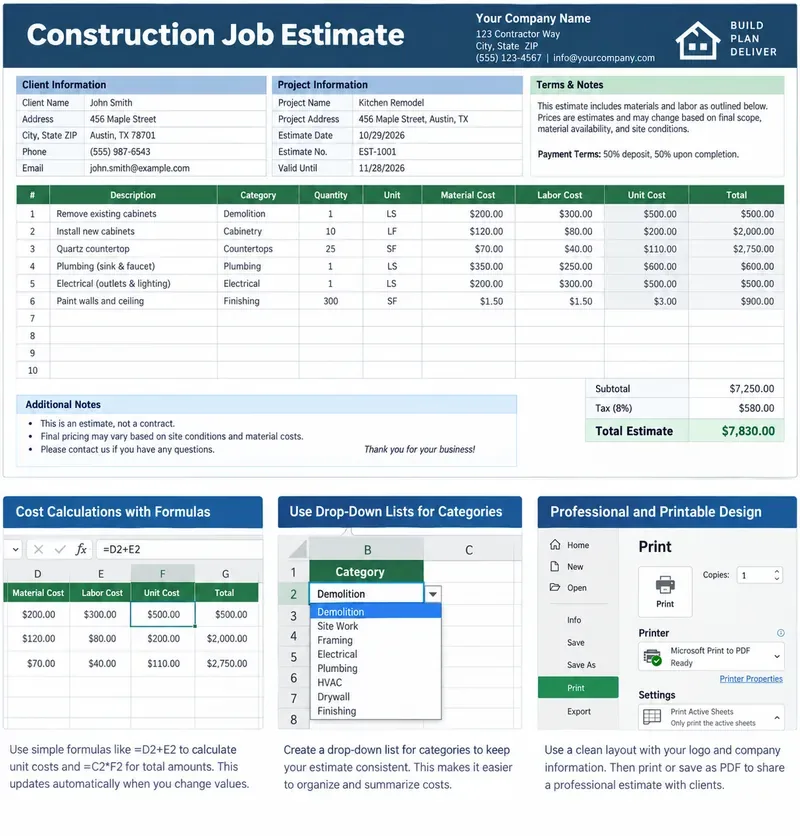
明確な労務費、材料費、計算式、利益率、除外項目、印刷可能な顧客合計金額を含む、印刷可能な建設工事見積書テンプレートをExcelで作成します。
Build stronger Luma Dream Machine video prompts with a practical cinematic lighting formula, reusable recipes, examples, and a fast troubleshooting checklist.
Build a minimalist tech startup investor pitch deck in PowerPoint with the right slide order, clear design rules, traction metrics, and investor-ready appendix.
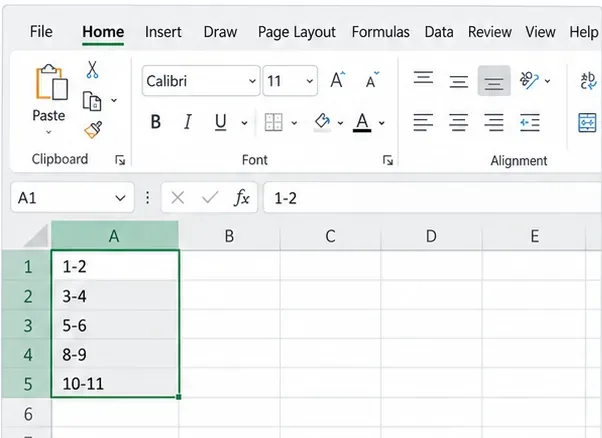
Excelがコード、ID、分数を日付に変換しないようにするには、テキスト形式、アポストロフィ、インポート制御、および最新のMicrosoft 365オプションを使用してください。
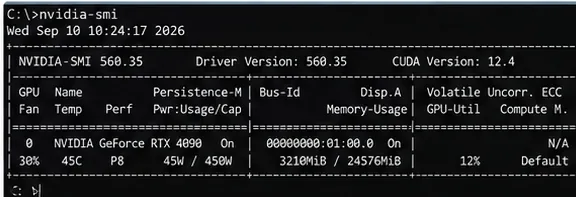
サンプリング作業の削減、解像度とバッチサイズの制御、ノードの簡素化、キャッシュの使用、VRAMとアテンションの安全な調整により、ComfyUI SDXLのレンダリング速度を向上させます。
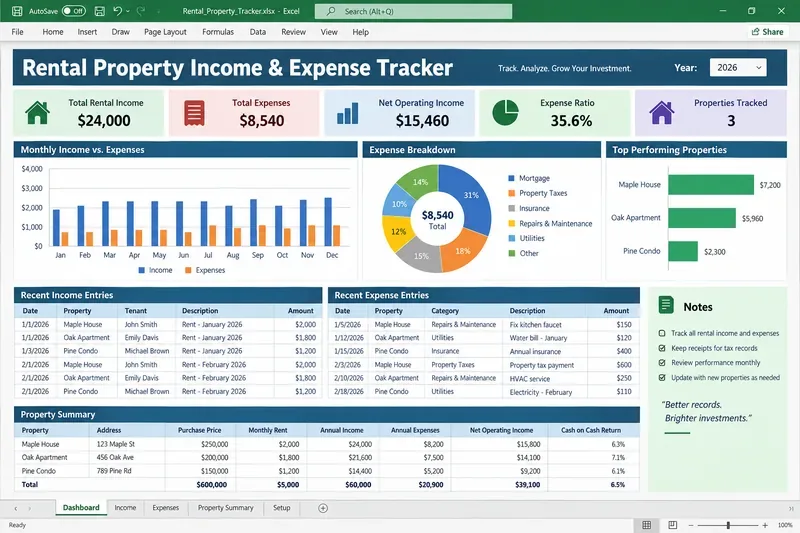
Build a practical rental property income and expense tracker in Excel with clear categories, formulas, monthly summaries, and tax-ready recordkeeping guidance.
Ollama、AnythingLLM、ローカル埋め込み、RAGを使用して、プライベートなローカルAI知識ベースを構築します。4つのステップからなるセットアップ、プライバシーチェック、テスト、バックアップについて学びましょう。
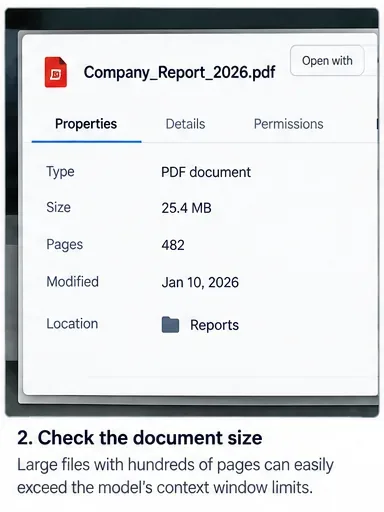
長文文書解析におけるコンテキストウィンドウエラーを修正するには、入力データのトリミング、ファイルの分割、検索機能の利用、そして最終的な回答が元の文書を網羅しているかどうかの検証を行う。