Local Ollamaを使用してSEOメタタイトルとメタディスクリプションを自動生成する方法
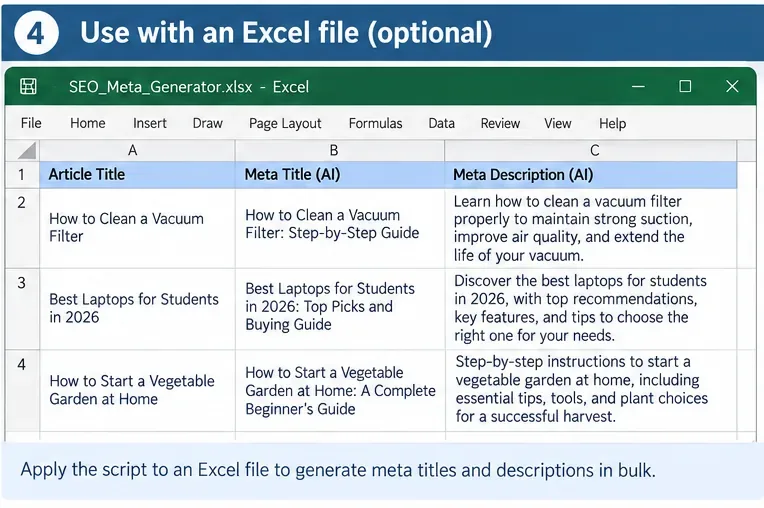
構造化されたSEOタイトルとメタディスクリプションを一括生成し、出力を検証し、人間によるレビューが必要な結果をフラグ付けする、ローカルなOllamaワークフローを構築します。
The most useful recent official update for people planning long work-from-home days is not a new productivity fad. On July 16, 2026, the U.S. National Institute for Occupational Safety and Health (NIOSH) updated its office-environment guidance and again highlighted that short breaks during computer work can help reduce discomfort. That matters for time blocking: a good schedule should not pack every minute. It should deliberately reserve room for breaks, transitions, and unexpected work. See the current NIOSH office-environment guidance.
Digital calendars reinforce the same basic idea of protecting time. Google Calendar currently supports Focus time events on eligible work or school accounts, including options to mute Chat notifications and automatically decline meetings. Microsoft Viva Insights also includes features for protecting focus time for users with the applicable subscription. Those tools are useful, but a printable daily time blocking template still has an advantage for WFH professionals: it gives you a simple planning surface that is independent of a specific employer, calendar platform, or notification system.
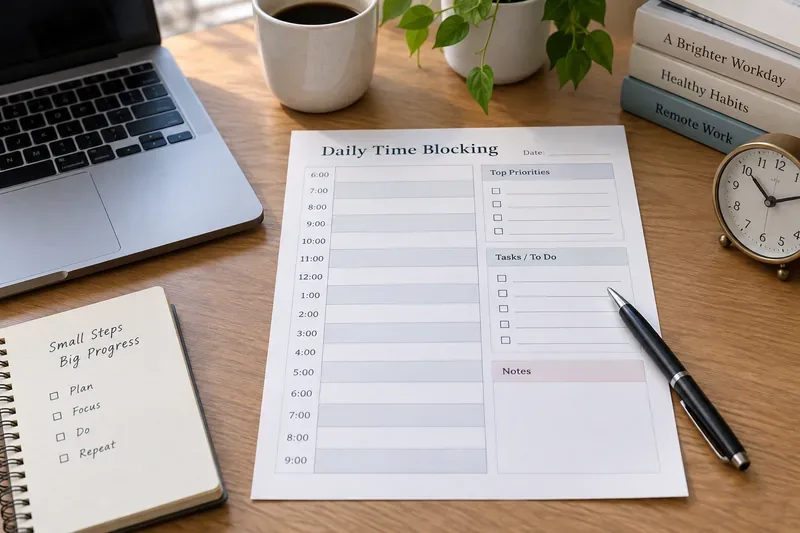
Time blocking means assigning a specific part of the day to a type of work, task, meeting, break, or routine. Instead of keeping a long to-do list and deciding what to do every few minutes, you decide in advance what each block is for.
The goal is not to follow the sheet perfectly. The goal is to make tradeoffs visible. If your calendar already contains four hours of meetings, the template should show that you do not also have six uninterrupted hours for project work. If a task takes longer than expected, the blank buffer on the page tells you where that work can go without automatically pushing the entire evening later.
This matters in remote work because home-based days can mix scheduled calls, asynchronous messages, individual work, household interruptions, and blurred start-and-stop boundaries. NIOSH's earlier work-from-home guidance recommends keeping a routine, creating focus times, setting boundaries between work and home, and taking frequent breaks. You can review the original NIOSH working-from-home guidance.
The layout below is designed to fit the way many WFH professionals actually work: fixed commitments first, then focus work, communication windows, breaks, buffer, and a defined shutdown. Print the page directly, or use your browser's Print command and choose a PDF-saving option when your operating system or browser provides one. Exact print-menu wording varies by platform.
| Field | Write this before the day begins |
|---|---|
| Date | ____________________________ |
| Work window | Start ________ End ________ |
| Top outcome 1 | ____________________________________________ |
| Top outcome 2 | ____________________________________________ |
| Top outcome 3 | ____________________________________________ |
| Availability boundary | Examples: lunch, school pickup, appointment, no-meeting window |
| Must-answer communication window | ____________________________________________ |
| Time | Block or task | Type | Notes / moved to |
|---|---|---|---|
| 7:00–8:00 | |||
| 8:00–9:00 | |||
| 9:00–10:00 | |||
| 10:00–11:00 | |||
| 11:00–12:00 | |||
| 12:00–1:00 | |||
| 1:00–2:00 | |||
| 2:00–3:00 | |||
| 3:00–4:00 | |||
| 4:00–5:00 | |||
| 5:00–6:00 | |||
| 6:00–7:00 |
If you need 30-minute precision, divide each row in half by hand. If your day starts earlier or later, relabel the rows. The point is to keep the format simple enough that you will actually use it.
Start with meetings, appointments, deadlines that require attendance, and any personal boundary that makes you unavailable. A paper plan should never pretend that those hours are free. If your employer uses a shared calendar, the digital calendar should remain the source of truth for other people's access to your time.
An outcome is more useful than a vague activity. “Draft the client proposal through the pricing section” is easier to schedule than “work on proposal.” “Review and respond to the five open hiring decisions” is clearer than “email.” The top-three area forces a daily priority decision before the day becomes reactive.
Place demanding work in the part of the day when you can realistically protect it. As a starting experiment, try a 45- to 90-minute focus block, then adjust based on the work and your role. There is no universal ideal block length. A support engineer who may be interrupted frequently needs a different plan from a writer, analyst, designer, or researcher.
中断に関する研究は、なぜこれが重要なのかを説明するのに役立ちます。グロリア・マーク、ダニエラ・グディス、ウルリッヒ・クロッケによる実験研究では、人々は中断を補うために作業速度を上げましたが、ストレス、フラストレーション、時間的プレッシャー、労力が増加したと報告しました。この研究は、あらゆる仕事においてあらゆる中断が有害であることを証明するものではありませんが、作業に持続的な注意が必要な場合、不必要なタスクの切り替えを減らすという、賢明なスケジュール原則を裏付けています。カリフォルニア大学アーバイン校の原著論文をお読みください。
メール、チャット、チームメッセージは絶えず届きますが、すべてのメッセージに即座に返信する必要はありません。業務上可能な場合は、コミュニケーションのための時間枠を1つ以上設定し、シート上に表示させておきましょう。例えば、午前中の集中作業後、昼食後、終業前にメッセージを確認するといった具合です。もしあなたの仕事に返信時間の要件がある場合は、他の人のルーティンを真似するのではなく、その要件をスケジュールに組み込みましょう。
休憩時間を単なる余剰時間として捉えてはいけません。NIOSH(米国国立労働安全衛生研究所)の最新のオフィス向けガイドラインでは、1時間ごとに短い休憩を取ることでコンピューター作業者の不快感を軽減できるとされており、在宅勤務向けガイドラインでは、定期的な休憩と姿勢の変化を推奨しています。したがって、タイムブロッキングシートには、作業時間だけでなく、回復時間も含めるべきです。
休憩時間を厳密にタイマーで決める必要はありません。現実的な方法としては、主要な作業ブロックの間に短い画面操作と姿勢の調整のための休憩を挟み、さらに長めの食事休憩を取るのが良いでしょう。長時間のビデオ会議が必要な場合は、会議後に数分間、メモを取ったり、水分補給をしたり、体を動かしたり、あるいは単に気分転換をしたりする時間を確保しましょう。
スケジュールがびっしり詰まったページは効率的に見えますが、実は不安定です。すべての時間が割り当てられていると、遅れて会議が入ったり、緊急の依頼があったりすると、その日の残りのスケジュールが狂ってしまいます。まずは、勤務時間の約10%~20%を未割り当てにしておくのが良いでしょう。この割合は厳密なルールではなく、試行錯誤しながら調整していくための計画上の余裕です。対応が求められる業務の場合は、さらに多くの時間が必要になるかもしれません。
リモートワークでは、仕事が終わっても同じノートパソコンがそばにあるため、一日の終わりが曖昧になりがちです。そこで、シャットダウンブロックを設けることで、一日の終わりを明確にすることができます。未完了のタスクを片付け、カレンダーを更新し、翌日の最初のタスクを準備したら、作業を終了しましょう。ルーティンをシンプルにすれば、10分から15分でも十分です。
勤務時間が午前8時30分から午後5時30分までで、午前10時にチームミーティング、午後2時にクライアントとの電話会議、そして明日が提案書の提出期限だとします。実行可能な計画は次のようになるでしょう。
| 時間 | ブロック | 理由 |
|---|---|---|
| 8:30~9:45 | 提案の焦点ブロック | 会議前に最優先で集中して取り組むべき作業 |
| 9:45~10:00 | 休憩と会議の準備 | 通話中に集中作業を持ち込むのではなく、移行作業を行う |
| 10:00~10:45 | チームミーティング | 固定契約 |
| 10:45~11:15 | メッセージとフォローアップ | バッチ通信 |
| 11:15~12:15 | 提案の焦点ブロック | 2回目の保護された労働期間 |
| 12:15~1:00 | デスクから離れた場所でのランチ | 長めの休憩 |
| 1:00~1:45 | 管理と準備 | クライアントとの電話前に、負荷の低い作業を行う。 |
| 1:45~2:00 | 顧客との電話会議の準備 | 遷移バッファ |
| 2:00~3:00 | クライアントとの電話 | 固定契約 |
| 3:00~4:00 | バッファ/緊急作業/フォローアップ | 夜の雰囲気を壊さずに、予期せぬ出来事を吸収する |
| 4:00~5:10 | 提案書の作成またはレビュー | 最終段階の実質的な作業ブロック |
| 5:10~5:30 | シャットダウン | 次のステップを記録して、一日の仕事を終える |
この例では、意図的に容量を100%まで詰め込んでいません。クライアント呼び出しが長引いた場合、バッファがその影響の一部を吸収します。緊急の事態が発生しない場合、バッファは無駄な時間ではなく、有用な余暇時間となります。
多くの在宅勤務者にとって、最適な解決策はハイブリッド型です。印刷可能なシートは個人の優先順位付けに、共有カレンダーは空き状況、会議、組織全体のスケジュール管理に活用しましょう。
Googleの現在のドキュメントによると、フォーカスタイム機能を使用すると、対象となるワークスペースアカウントでGoogleチャットの通知をミュートしたり、会議を自動的に拒否したりできます。Microsoftは、Viva Insightsの時間管理機能についてドキュメント化しており、登録ユーザーのカレンダー上の時間を保護できます。これらの機能は、同僚に自分が不在であることを示す必要がある場合に役立ちます。印刷されたページだけでは、会議の招待を拒否したり、チャットアプリケーションをミュートしたりすることはできません。
Google Workspace をご利用の場合は、 Google カレンダーのフォーカス時間管理に関する公式ドキュメントをご覧ください。組織で Microsoft 365 をご利用の場合は、Microsoft の最新のViva Insights 時間管理に関するドキュメントをご覧ください。ドキュメントは 2026 年 9 月 13 日に確認済みです。アカウントの利用資格およびサブスクリプション要件は変更される場合があります。
テンプレートを評価する際は、すべての項目が計画通りに完了したかどうかではなく、その日の作業の質に基づいて判断してください。1週間後には、いくつかの具体的な兆候に注目してください。
正午までに予定表が常に間違っている場合は、無理に悪い計画に従うのではなく、方法を変更しましょう。予定のブロックを短くしたり、余裕時間を増やしたり、次の半日だけを計画したり、会議の変更が頻繁すぎて紙の予定表では対応できない場合は、デジタルカレンダーに切り替えるなどの方法があります。
印刷可能なスケジュールには限界があります。同僚との自動同期機能はなく、チャットツールでのステータス保護機能も、重複予約の警告機能も、会議の変更に伴う再計算機能もありません。また、インシデント、キュー、顧客、ライブオペレーションなどによって優先順位が刻々と変化するような業務には不向きです。
これらの役割においては、ページを厳密なスケジュール表としてではなく、軽量な優先順位付けとメモのレイヤーとして使用してください。例えば、本当に保護できる期間だけをブロックし、「サポートキュー」「インシデント対応」「管理者」「引き継ぎ」といったより広範なカテゴリを使用してください。
日々の時間管理テンプレートは、一日をより現実的に計画できる場合にこそ役立ちます。決して、一日を過密なものにしてはいけません。最適なテンプレートとは、限られた時間を明確に把握し、集中すべき作業を確実にこなし、計画した勤務時間が終了したら作業を終えることができるものです。
構造化されたSEOタイトルとメタディスクリプションを一括生成し、出力を検証し、人間によるレビューが必要な結果をフラグ付けする、ローカルなOllamaワークフローを構築します。
Use this free modern real estate listing presentation PowerPoint blueprint to organize pricing, marketing, property prep, agent value, and seller next steps.
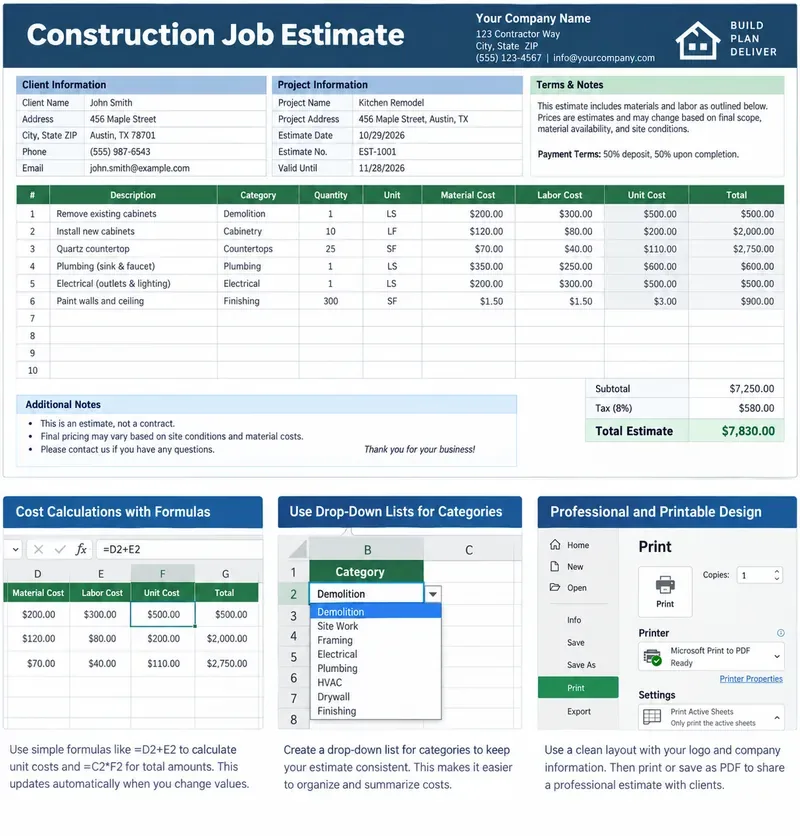
明確な労務費、材料費、計算式、利益率、除外項目、印刷可能な顧客合計金額を含む、印刷可能な建設工事見積書テンプレートをExcelで作成します。
Build stronger Luma Dream Machine video prompts with a practical cinematic lighting formula, reusable recipes, examples, and a fast troubleshooting checklist.
Build a minimalist tech startup investor pitch deck in PowerPoint with the right slide order, clear design rules, traction metrics, and investor-ready appendix.
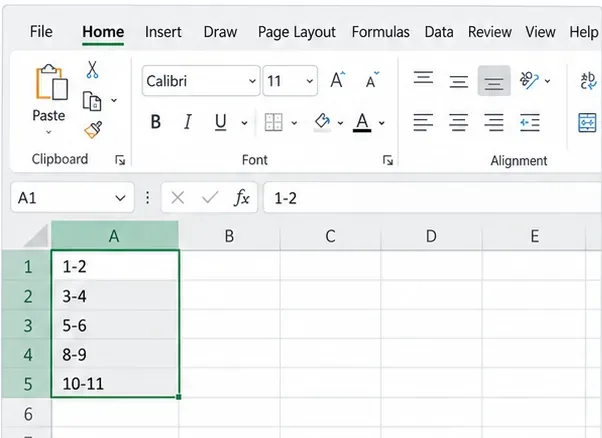
Excelがコード、ID、分数を日付に変換しないようにするには、テキスト形式、アポストロフィ、インポート制御、および最新のMicrosoft 365オプションを使用してください。
サンプリング作業の削減、解像度とバッチサイズの制御、ノードの簡素化、キャッシュの使用、VRAMとアテンションの安全な調整により、ComfyUI SDXLのレンダリング速度を向上させます。
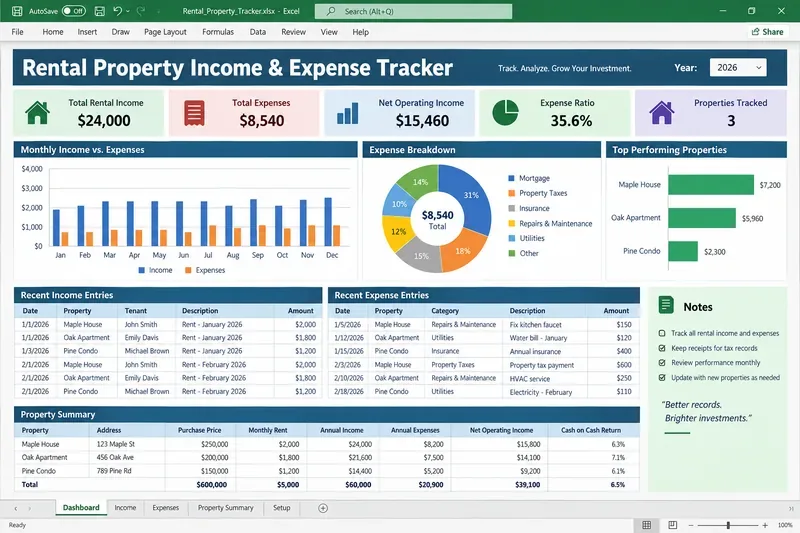
Build a practical rental property income and expense tracker in Excel with clear categories, formulas, monthly summaries, and tax-ready recordkeeping guidance.
Ollama、AnythingLLM、ローカル埋め込み、RAGを使用して、プライベートなローカルAI知識ベースを構築します。4つのステップからなるセットアップ、プライバシーチェック、テスト、バックアップについて学びましょう。
長文文書解析におけるコンテキストウィンドウエラーを修正するには、入力データのトリミング、ファイルの分割、検索機能の利用、そして最終的な回答が元の文書を網羅しているかどうかの検証を行う。