How to Retry an AI Agent Tool Call Without Sending a Duplicate Notification

Follow these 6 steps to check a tool call, retry it safely, and prevent duplicate notifications with idempotency and delivery tracking.
If an AI agent times out after asking a tool to send a notification, the notification may already have gone out even if your application never received the result. Check the action’s status before retrying, then use a stable idempotency key and a durable delivery record so the same logical notification is sent only once. This guide is for developers who run agent tools with external side effects, such as email, SMS, or chat messages.
Give each intended notification a stable operation ID before the tool runs. This ID represents the business action, such as “send the shipping update for order 8472,” rather than one attempt to send it. Store it with the recipient, message purpose, and any relevant agent session, turn, and tool-call identifiers.
Do not create a fresh operation ID every time a timeout occurs. A new ID would make a retry look like a new notification to your deduplication logic. For OpenAI Agents API function calls, the documentation recommends durably associating side-effect results with the session, turn, and call ID, and checking whether the action already happened before executing it again. See OpenAI’s function tool recovery guidance.
Create a database record keyed by the logical operation ID, with a uniqueness constraint so concurrent workers cannot create two records for the same notification. Track a small state such as pending, sent, or unknown, along with the provider’s message ID when available.
Claim the record atomically before sending. A database transaction, conditional insert, or lock can prevent two workers handling the same tool call from both proceeding. A simple check followed by an unprotected insert is not enough: two retries could pass the check at the same time.
If the provider supports idempotency keys, pass the stable operation ID with the send request and reuse it for every retry of that same notification. The provider must recognize the key and return or preserve the original result instead of creating a second message. Confirm the provider’s key scope, retention period, and behavior for mismatched request parameters in its own documentation.
If the provider does not offer idempotency, your delivery record can reduce duplicates but cannot always guarantee exactly-once delivery across a network failure. There is an unavoidable uncertainty window: the provider might accept the notification while your worker loses the response. In that case, reconcile against provider status or mark the operation unknown for review instead of blindly sending again.
After the provider confirms acceptance, save the provider response and mark the operation sent. Then return that saved result to the agent runtime. If the worker disconnects after sending but before returning the tool result, a later recovery can look up the operation and replay the stored result without sending another notification.
For OpenAI Agents API tool recovery, submit the saved function result using the same turn_id and call_id when the call is still pending. The function tools guide also advises checking the outcome before rerunning a function whose success may not have been saved.
When a timeout or dropped connection occurs, first retrieve the session or job state and inspect saved tool calls, results, and side effects. A timeout describes what the caller observed; it does not prove the provider did not act. OpenAI’s current Agents API recovery guidance says to check the outcome and completed actions, honor Retry-After when present, set a retry limit or deadline, and inspect tool results even when a turn completes. See Errors and recovery.
Use a bounded retry policy for transient errors such as overload or temporary service failures. Do not retry invalid inputs, missing credentials, or billing errors until the cause is corrected. If delivery status remains uncertain and no provider-side lookup exists, pause for reconciliation rather than guessing.
If the operation record is already sent, return its stored provider message ID and success result to the agent. If it is pending, let the worker that owns the claim finish or use a safe lease-recovery strategy. If it is unknown, perform the provider lookup or route it for manual review.
Worked example: The agent asks a tool to text a package update for order 8472. Your application creates operation ID notify:order-8472:shipped, claims its record, and sends the text with that same provider idempotency key. The provider accepts it, but the worker times out before saving the response. On recovery, the application checks the provider by key or checks its saved delivery state. If it finds the accepted message, it stores and returns that original result. It does not create a new key and send the text again.
Only when the delivery path supports the needed deduplication or authoritative reconciliation. A local database alone cannot determine whether a remote provider accepted a request whose response was lost. Use provider idempotency when available and treat unresolved outcomes as unknown.
No. Reuse the same key for retries of one logical notification. Generate a different key for a distinct notification, even if its text happens to match.
Use the session’s saved items and tool results, and inspect the trace for recorded calls and outcomes. The Agents API tracing guide describes reviewing recorded tool-call inputs, outputs, and status.
Follow these 6 steps to check a tool call, retry it safely, and prevent duplicate notifications with idempotency and delivery tracking.
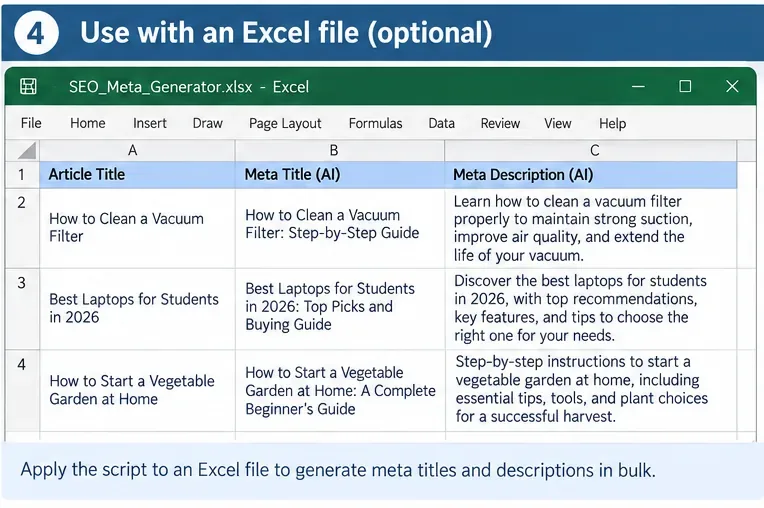
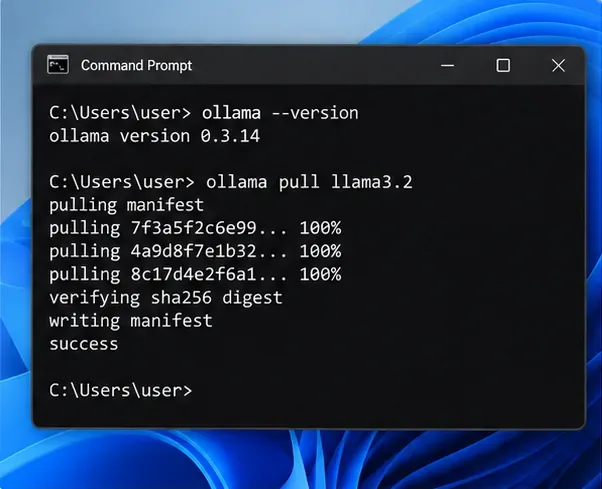
Build a local Ollama workflow that generates structured SEO titles and meta descriptions in bulk, validates output, and flags results for human review.
Use this free modern real estate listing presentation PowerPoint blueprint to organize pricing, marketing, property prep, agent value, and seller next steps.
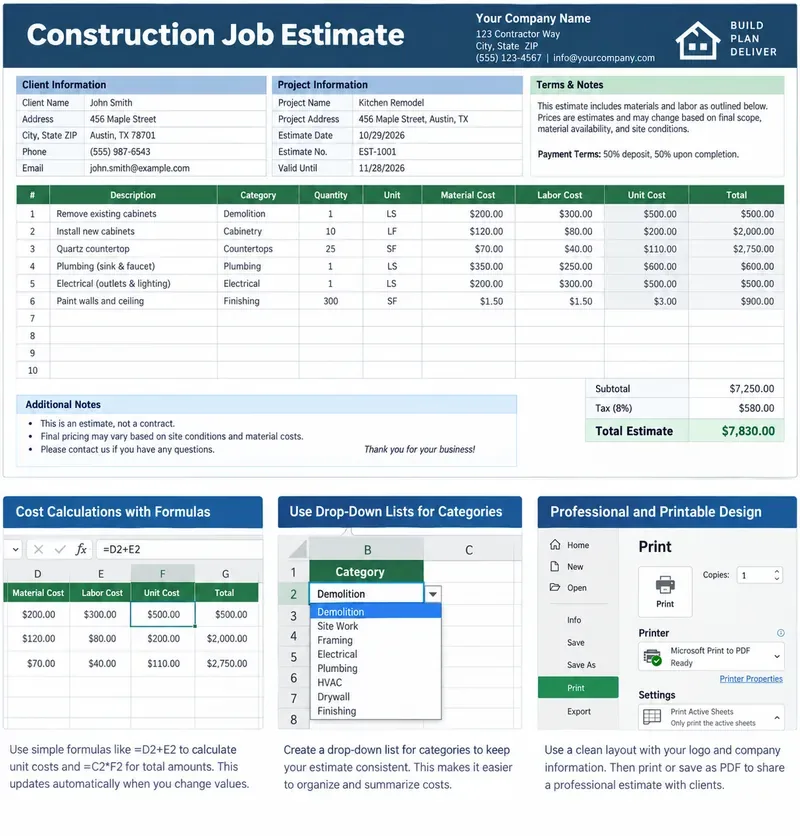
Build a printable construction job estimate template in Excel with clear labor, materials, formulas, markup, exclusions, and print-ready client totals.
Build stronger Luma Dream Machine video prompts with a practical cinematic lighting formula, reusable recipes, examples, and a fast troubleshooting checklist.
Build a minimalist tech startup investor pitch deck in PowerPoint with the right slide order, clear design rules, traction metrics, and investor-ready appendix.
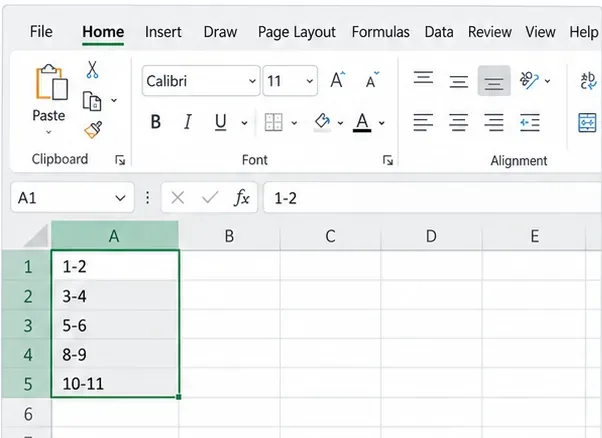
Stop Excel from turning codes, IDs, and fractions into dates. Use Text format, apostrophes, import controls, and current Microsoft 365 options.
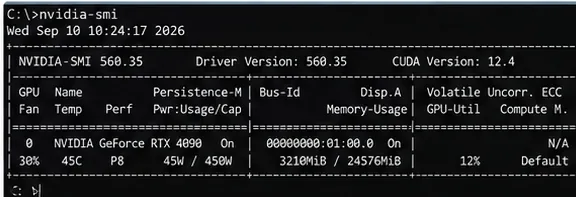
Speed up ComfyUI SDXL renders by reducing sampling work, controlling resolution and batch size, simplifying nodes, using caching, and tuning VRAM and attention safely.
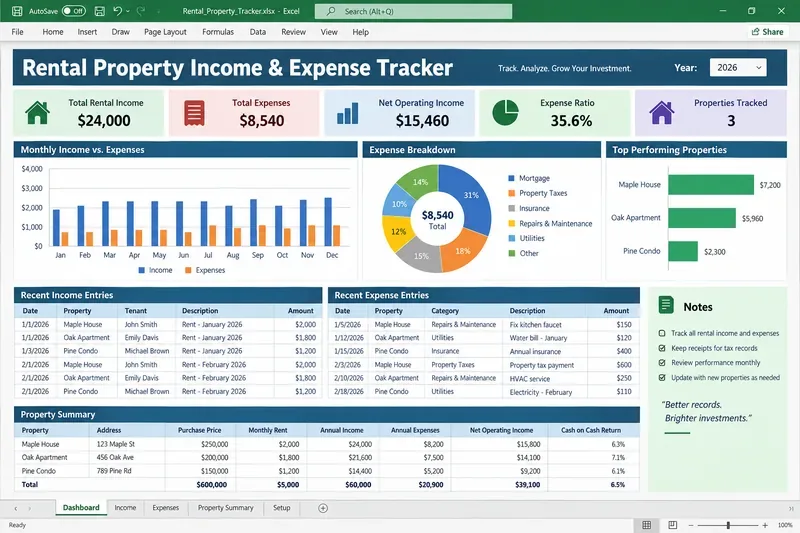
Build a practical rental property income and expense tracker in Excel with clear categories, formulas, monthly summaries, and tax-ready recordkeeping guidance.
Build a private local AI knowledge base with Ollama, AnythingLLM, local embeddings, and RAG. Learn the four-step setup, privacy checks, testing, and backups.